Dinner from what you have.
Tell CAVTAR what's in your kitchen — tap it, type it, or just say it out loud — and get real recipes you can cook tonight. No shopping trip required.
Start cooking freeFree forever plan · No credit card to start

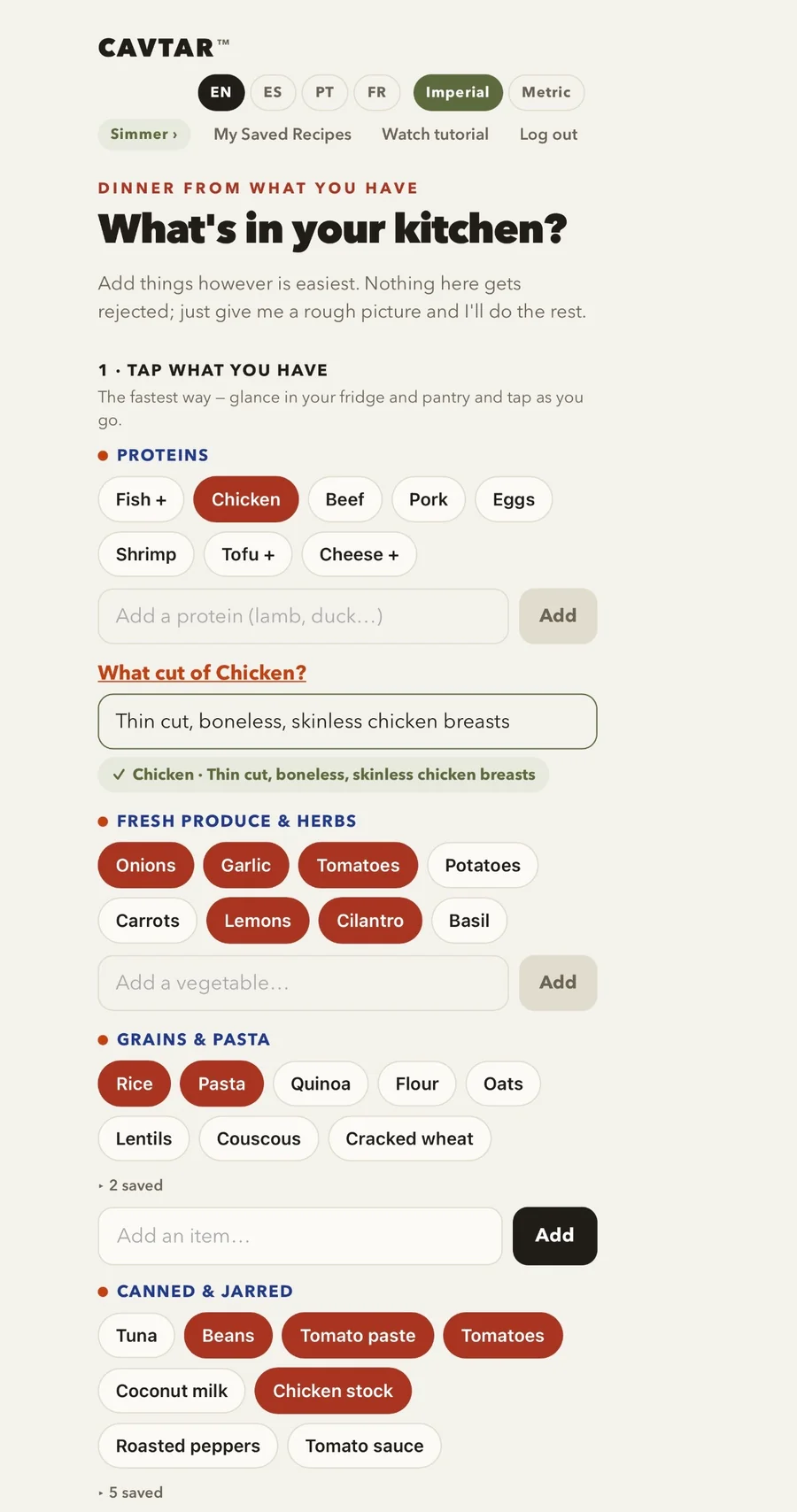
A peek inside the app — tap to enlarge.
How it works
Three steps to tonight's dinner.
Show us your kitchen.
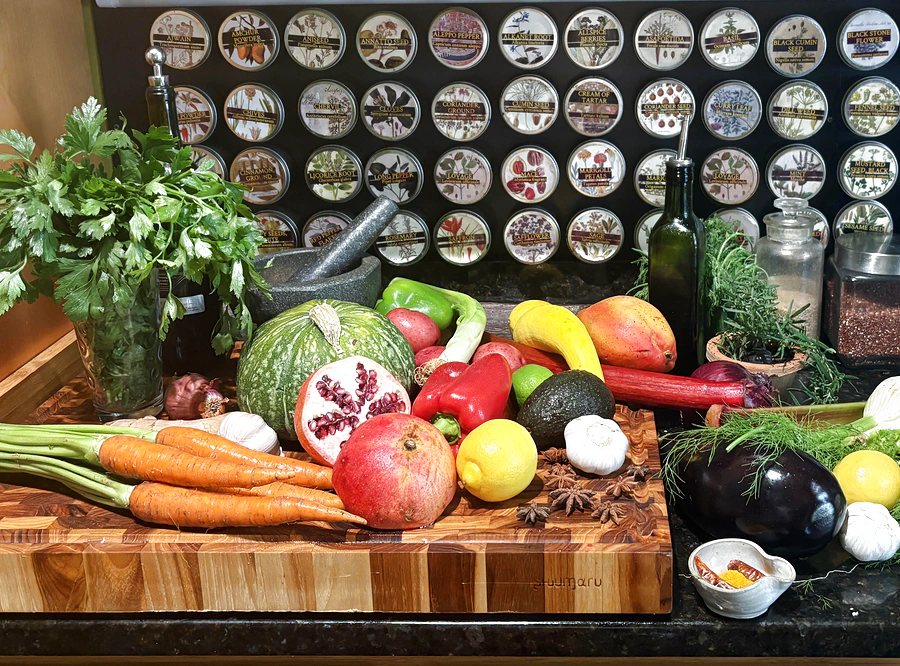
Glance in the fridge and pantry and tap what you see — or speak it: "two cups of chicken soup, half a roast chicken, a jar of olives." Nothing gets rejected; a rough picture is enough.
Get real dinner ideas.
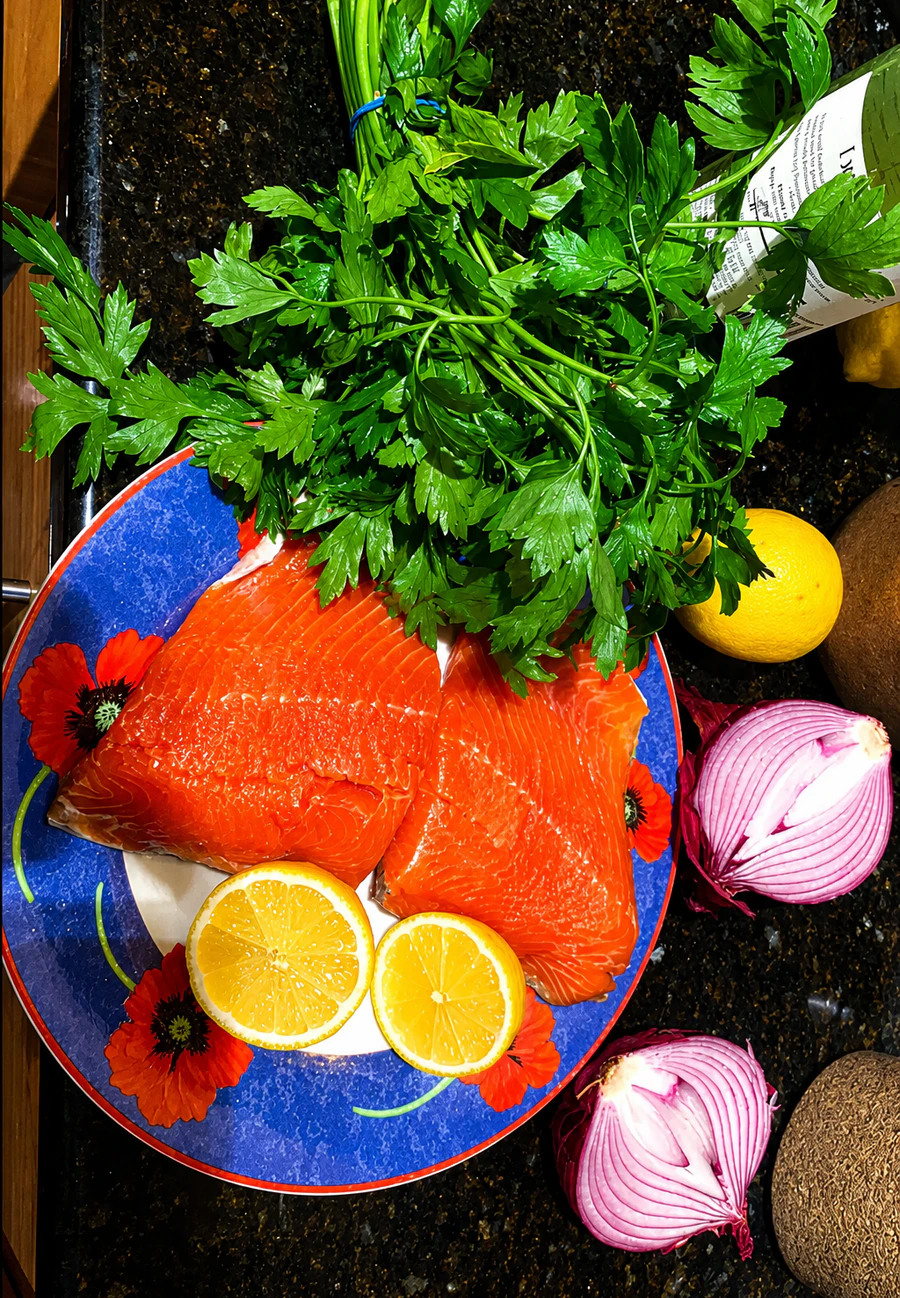
CAVTAR turns your ingredients into complete recipes with amounts, timing, and steps — built around what you actually have, and honest about the one or two things worth buying to make it authentic.
Cook along.
A guided cook-along walks you step by step, with built-in timers, so dinner comes together without juggling a recipe card and a phone lock screen.
On your phone
Put CAVTAR on your phone
CAVTAR is a web app — nothing to download from an app store. Add it to your home screen and it opens like any other app.
Open the appiPhone
Tap Open the app, then tap Share and Add to Home Screen.
Android
Tap Open the app, then tap Install when CAVTAR asks.
What you get
Built for real kitchens.
Five modes
Dinner, Dessert, Breakfast, Snacks & Appetizers, Cocktails — one pantry, every course.
Speaks your language
English, Spanish, Brazilian Portuguese, French; metric and imperial; switchable mid-recipe.
Respects your avoid list
No pork, no cilantro, no mushrooms — a hard rule, not a suggestion.
Saves your favorites
My Saved Recipes library with personal notes.
Works where you cook
Phone, counter, timers and all.


Worth it
Cheaper than one delivery fee.
A household that cooks from CAVTAR most nights pays about fifty cents a dinner on the Sizzle plan — and skips the "what should we make" debate entirely. The free plan stays free forever: three recipes and three cook-alongs every week, no card required.

Pricing
Pick your pace.
Free
No card required
3 recipes + 3 cook-alongs a week
Every mode, every language.
Start cooking freeSimmer
or $69/yr
20 recipes a day
For easing in — a few home-cooked nights a week.
Get startedSizzle
or $99/yr
40 recipes a day
For the household that cooks most nights.
Get startedSear
or $139/yr
60 recipes a day
For big families, meal preppers, and feeding a crowd.
Get startedAll paid plans start with a 4-day free trial. Cancel anytime.
FAQ
Good questions.
Do I need to buy special ingredients?
No. CAVTAR starts from what's already in your kitchen and builds complete recipes around it. When a dish is an ingredient or two away from authentic, it says so honestly — but there's always something real to cook with what you have.
What about things I don't eat?
Tell CAVTAR once — no pork, no cilantro, no mushrooms, whatever you avoid — and every recipe respects it. Always double-check ingredients yourself; CAVTAR works from what you tell it.
Does it work on my phone?
Yes. CAVTAR runs in your phone's browser — nothing to install — and it's made to sit on the counter while you cook, timers and all.
Can I cook in Spanish / Portuguese / French?
Yes. CAVTAR speaks English, Spanish, Brazilian Portuguese, and French, in metric or imperial — and you can switch either one mid-recipe.
How do I cancel?
In the app: tap your plan name, then Cancel subscription. It takes effect at the end of your billing period, and you keep access until then.
What happens when I hit my daily limit?
CAVTAR lets you know, and your count starts fresh the next day — on the free plan, the next week. If you keep bumping into the ceiling, moving up a plan takes a minute in the app.